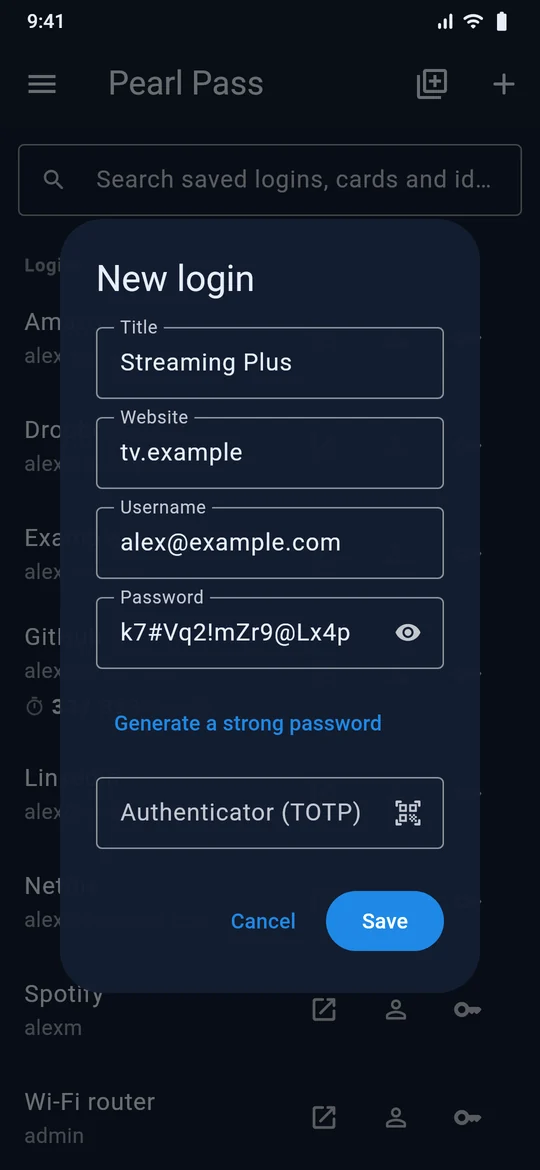
Your passwords, generated, saved and filled
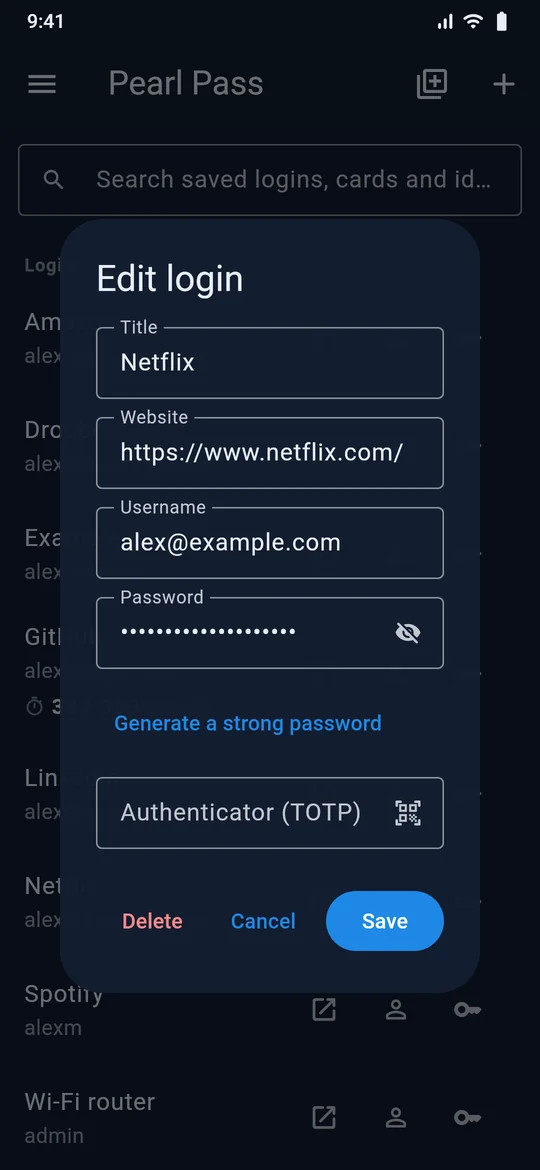
Pearl Pass generates strong passwords, saves them as you sign up and fills them when you come back — in your browser and in the apps on your phone. Your vault is encrypted on your device before it syncs, so we can't read it.
- End-to-end encrypted
- Never presses Log in for you
- We never sell your data
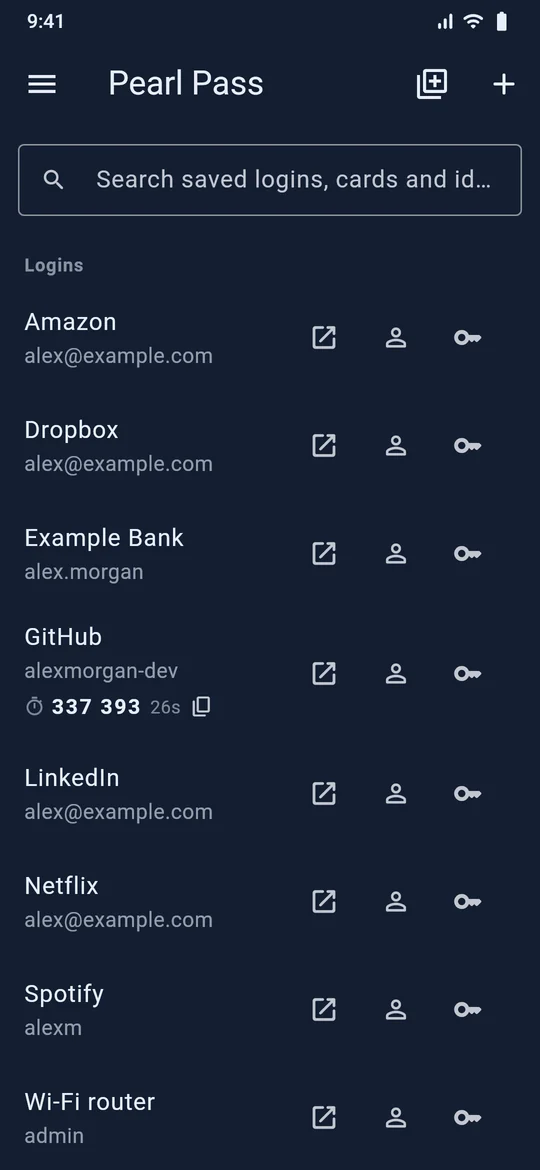
Everything a password manager should do. Nothing it shouldn't.
Autofill
Fills logins, addresses and cards in your browser and in Android apps — and never presses Log in for you.
Learn more →Phone codes
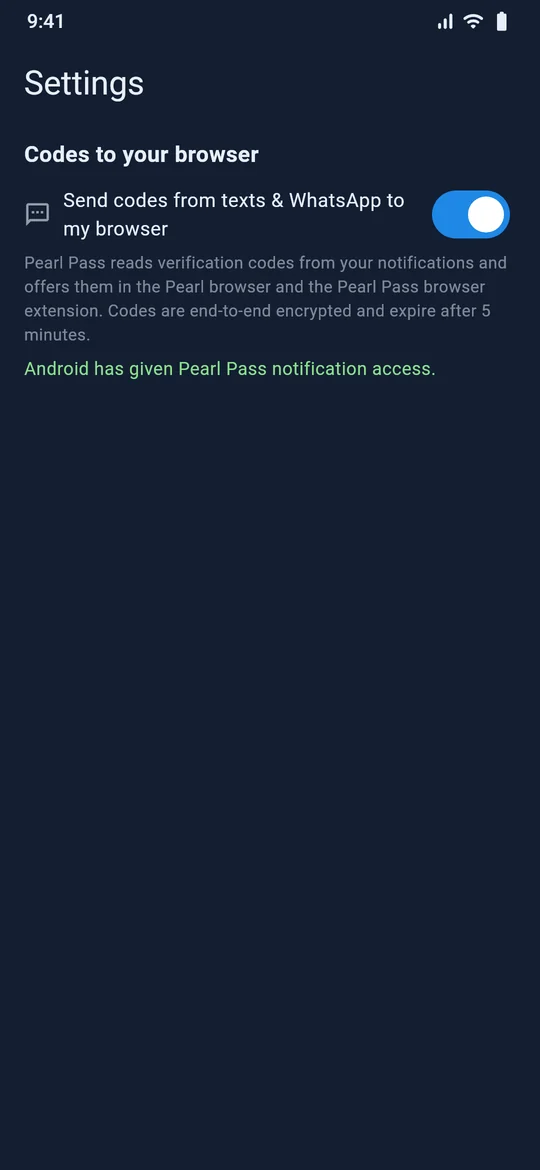
Verification codes that arrive on your phone appear in your browser, ready to fill with one click.
Learn more →Vault security
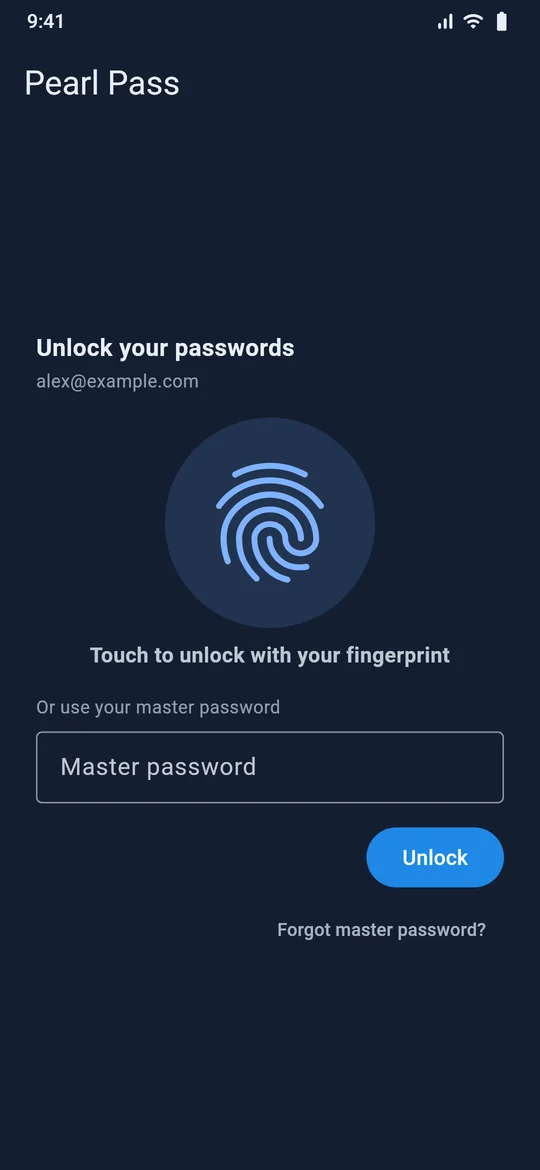
End-to-end encryption, auto-lock, fingerprint unlock and a clipboard that cleans up after itself.
Learn more →Encrypted sync
Your vault follows you across your phone and browsers, sealed on each device before it's uploaded.
Learn more →Browser extension
Fill, save and generate passwords in Chrome, Edge and other Chromium browsers.
Learn more →Set up in three steps
Install
Get the app on your Android phone and add the extension to Chrome or Edge.
Create your vault
Choose a master password. It never leaves your device, and it's the only key to your vault.
Sign in once, fill everywhere
Sign in with Google to sync. Your logins, cards and codes follow you — encrypted end to end.
Built so we can't read your passwords
Encryption happens on your device. Our server stores sealed blobs and the bare minimum it needs to sync them.
- Your master password stays with you
It's never sent to us or anyone else. That also means we can't recover it, so keep it safe. - Modern, well-studied cryptography
Argon2id turns your master password into a key; AES-256-GCM seals every item before it's uploaded. - Fill-only autofill
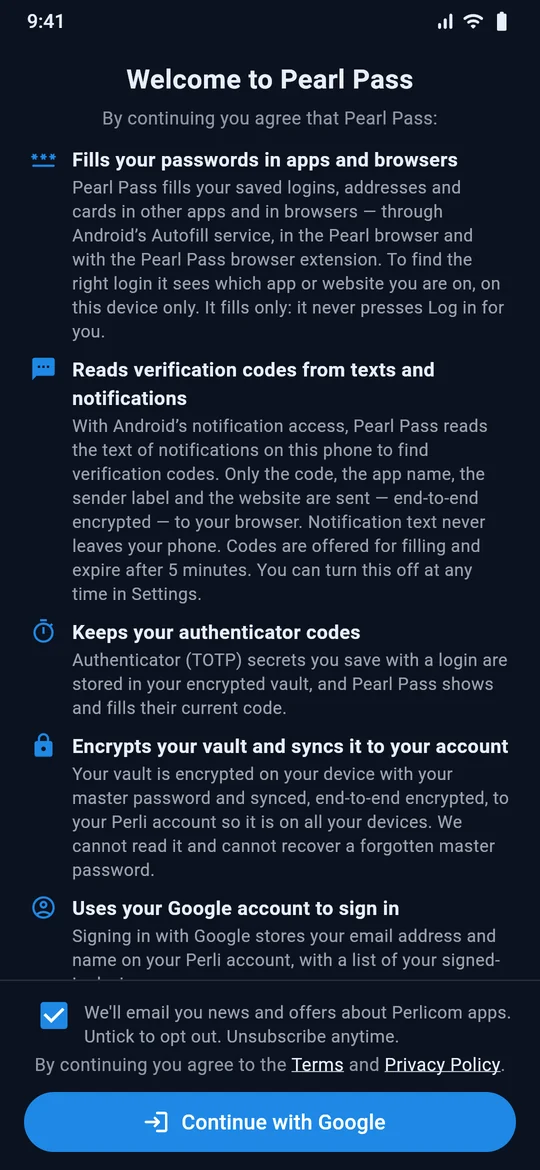
Pearl Pass fills your details but never submits a form or presses Log in, and a login is only offered on the exact site it was saved for.
One vault on every device you use
Save a login on your phone and it's in your browser a moment later. Works offline too — your vault lives on each device.
Android app
Autofill in apps and browsers, fingerprint unlock, 2FA codes.
Chrome and Edge
The browser extension fills, saves and generates on any site.
Built into Pearl
The Pearl browser has Pearl Pass built in — nothing to install.
A closer look